Learn it. Revise it. Remember it.
Two ways to work, and a view for parents that shows effort rather than just marks.
Lessons that teach it properly
Around sixty illustrated lessons with diagrams, graphs and interactive figures, not a wall of text.
Every answer explained
Twenty-question sessions from the topics your class is on. Wrong answers come back until they stick.
See the effort, not just the marks
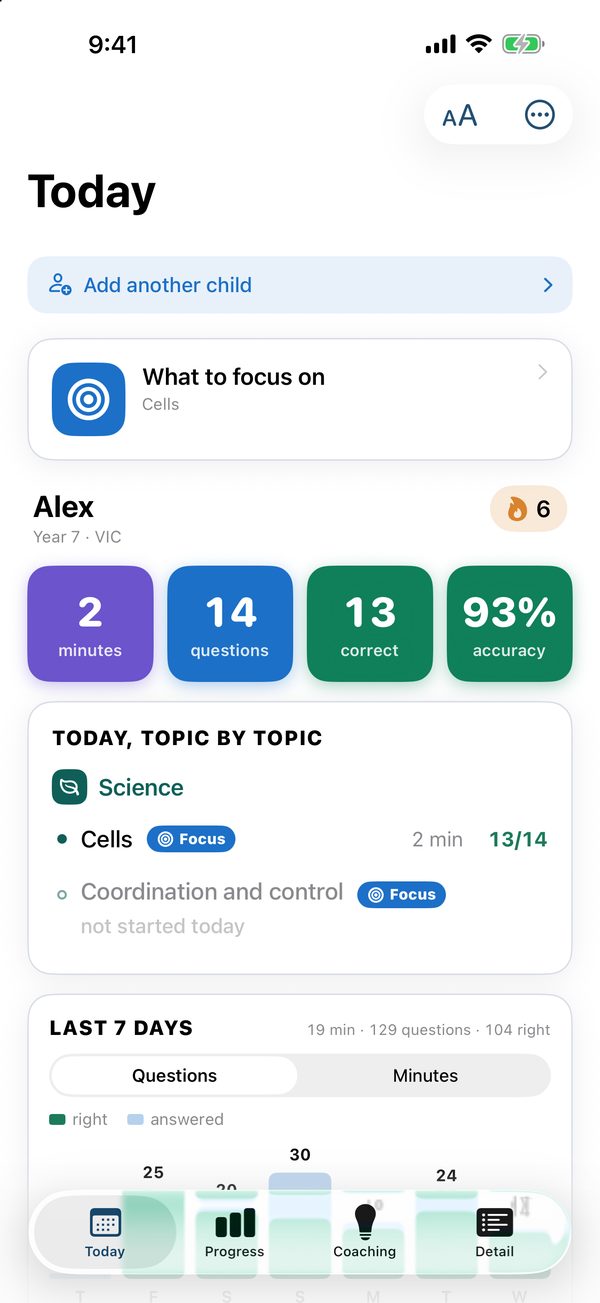
Pair with your child's phone to see minutes, questions and accuracy, and set the topics to focus on.
7 subjects. 77 topics. 8,500+ questions.
Every topic in the app, for Years 7 to 10. Students tick the ones their class is on this term, and sessions are built from those.
Science 23 topics
Maths 9 topics
Maths Advanced 15 topics
Humanities 6 topics
English 4 topics
French 10 topics
German 10 topics
Snap the notes. Get the test.
Your child photographs their class notes, a worksheet or a practice test, and StudyStep writes a practice test on exactly what they've covered. Every question is checked before they see it, and every answer is explained.
Their notes, their test
Questions come straight from the pages they photograph, in any subject, including French and German vocabulary and grammar.
As long as they want
They choose how many questions. If the pages only hold eight good ones, they get eight good ones, never padding.
Retake any time
Every test is saved on their phone to try again before the exam, with their last score beside it.
You see every answer
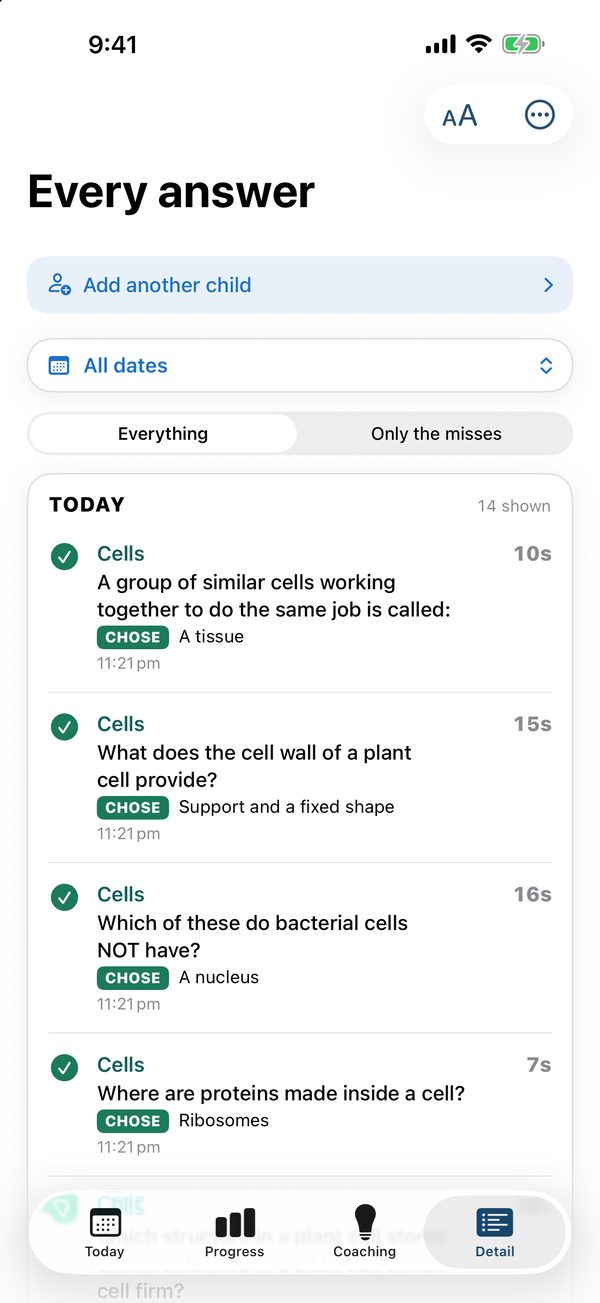
Each Snap & Test question and what they chose shows on your dashboard, like any other session.
Included with the Parent Dashboard. You turn it on once for all your children. Photos are cleaned on their phone (faces blurred, location removed), sent to Claude AI to write the questions, and never kept.
See the effort, not just the marks.
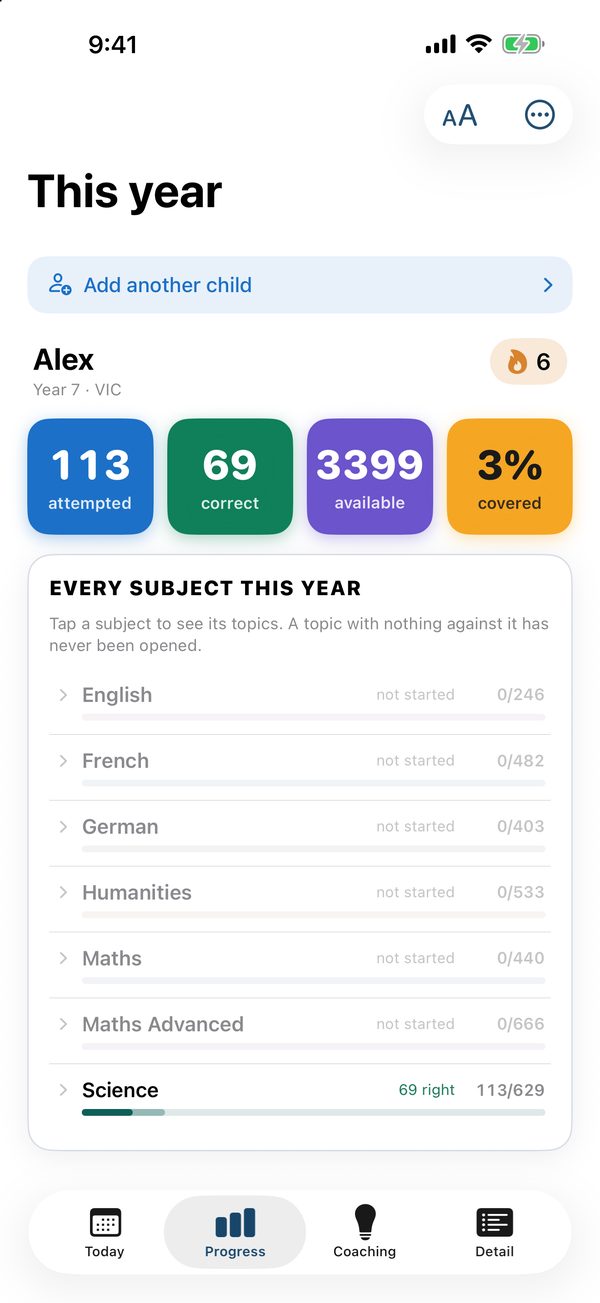
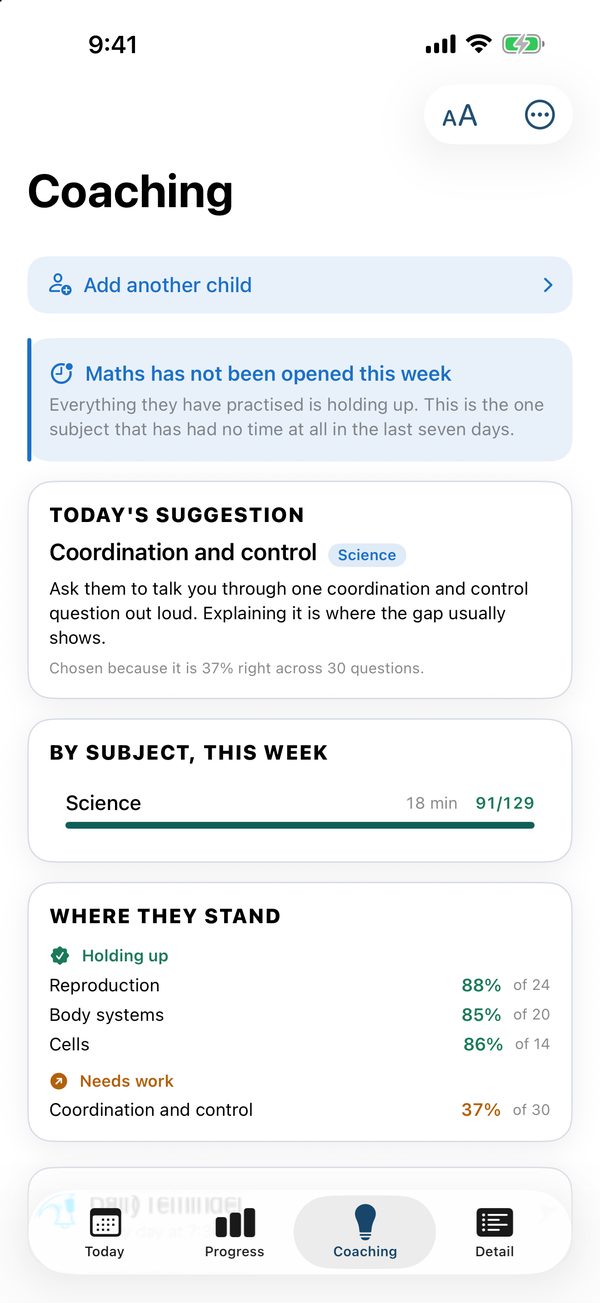
The optional Parent Dashboard pairs with your child's phone and shows what they actually did, without looking over their shoulder.
Set what to focus on
Pick the topics you want them working on and how many questions to get through in each. It shows up on their home screen as "Set for you".
Spot rushing
Answers that come back in under four seconds are flagged, because they're usually too quick to have read the question.
A daily reminder
A nudge at a time you choose to check how the day went. Tap it and the dashboard opens.
Up to four children
One subscription covers the family, with each child shown separately.
Pairing takes a minute
- Install StudyStep on your phone and choose "I'm a parent".
- Get a six-character code from the dashboard.
- Your child enters it on their phone in Settings › Pair with a parent. Each phone needs its own Apple Account.
Revision stays free for students either way: every question, every lesson and their whole progress record. Cancel any time in your Apple Account settings.
Private by design. No accounts, no ads, no tracking. Your child's work travels through their own iCloud to your dashboard, and we can't read it. Anonymous usage counts help us improve the app, and can be switched off in Settings.
Start revising tonight.
Free on iPhone and iPad. No accounts, no ads, no tracking.